Scoring Along with Live MLB Games#
One of the best ways to practice scorecard keeping is to score a real game as it happens. You follow along with the broadcast, record each pitch and play, and end up with a complete record of everything that happened. It’s deeply satisfying — and it sharpens your eye for the game in ways that just watching never does.
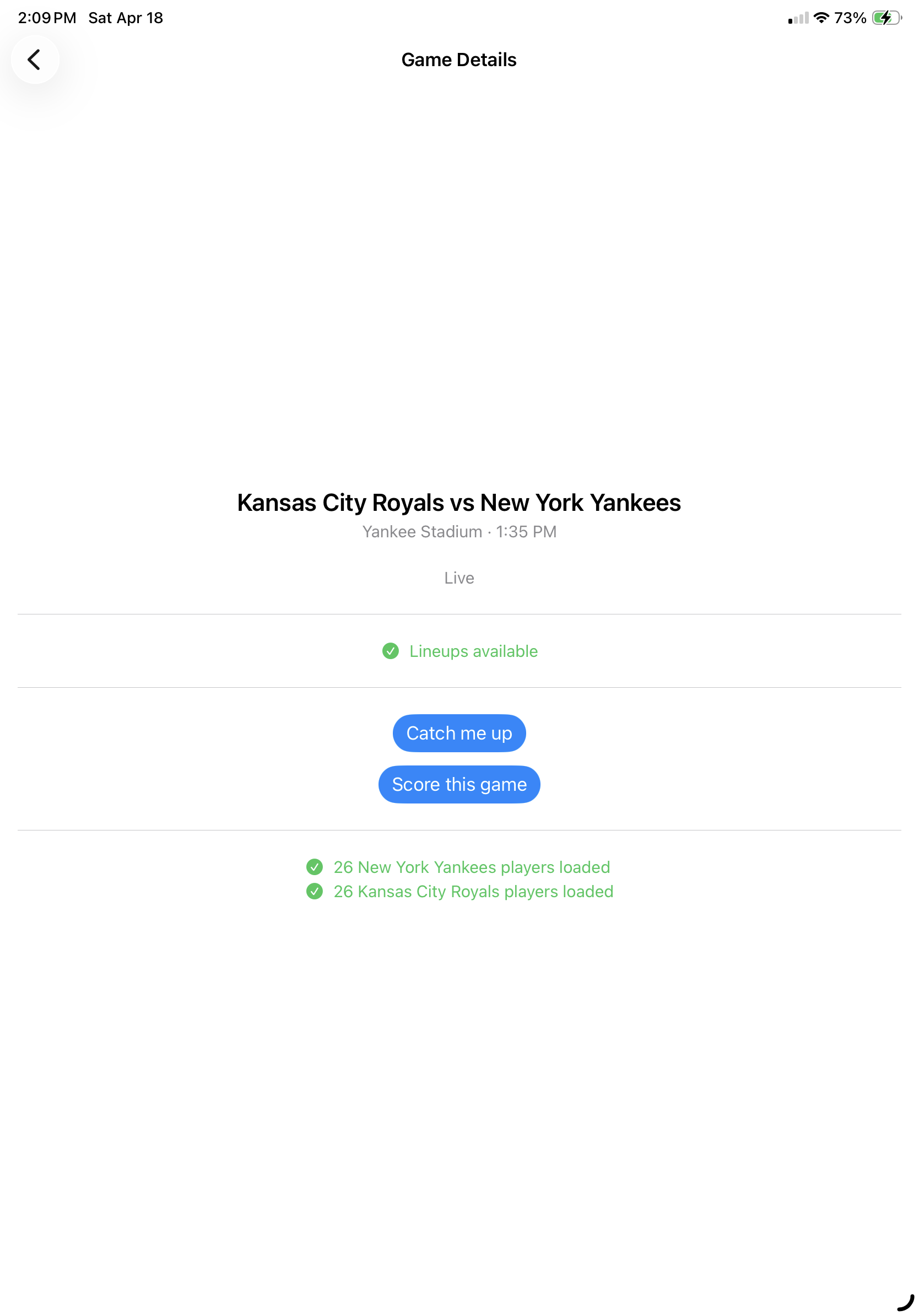
BaseballScorer connects directly to MLB’s live data feed, which opens up a few capabilities that paper scorecards can’t offer: automatic catch-up when you fall behind, and reconciliation that checks your scoring against the official record.
How the Connection Works#
BaseballScorer polls statsapi.mlb.com every 30 seconds during an active game. This is MLB’s own public data service — no API key required, no subscription, no third-party middleman. When you open a game you’ve already started scoring, the app checks the live feed in the background and flags anything it can fill in or verify.
The connection is read-only. BaseballScorer uses the feed to help you score more accurately, but your scorecard is always yours. You control what gets recorded.

The Catch-Up Banner#
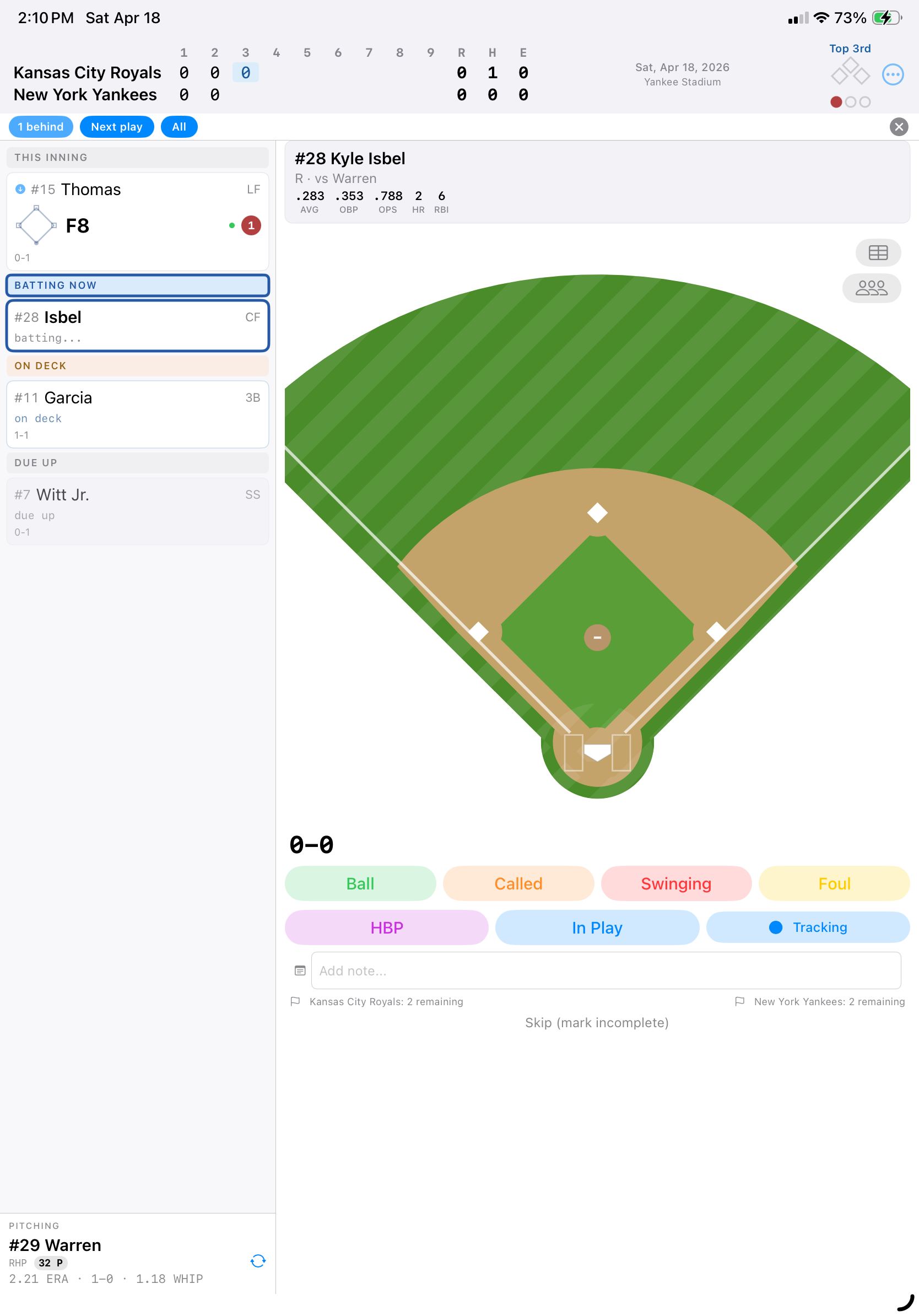
Real games don’t pause while you’re grabbing a snack, arguing about a call, or explaining to your kid why the infield fly rule exists. Falling behind happens. When you’re scoring an MLB game, a catch-up banner appears below the line score with all the tools you need to stay in sync.
All catch-up tools live on this single banner — no hunting through menus. A ? button opens a help sheet explaining every option. Here’s what each button does:
Real-Time Catch-Up#
Next Play — Auto-scores the next play from the MLB live feed. Use this to catch up one play at a time so you can review each result.
All — Auto-scores all remaining plays from the live feed at once. Gets you caught up quickly, but you won’t review each play individually.
Correction Tools#
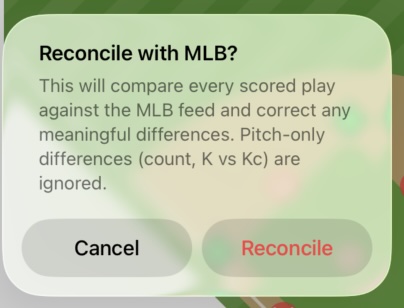
Reconcile — Compares every scored play against the MLB feed and corrects meaningful differences. Pitch-only differences (count, K vs Kc) are ignored. Corrected plays are marked so you can review what changed.
Fill Gaps — Fills in all missing (?) plays from the MLB feed without changing any plays you’ve already scored. Use this if you skipped ahead and want to backfill what you missed.
Per-Play Tools#
These are available when you tap a specific at-bat card in the inning summary:
Fill from MLB — Available on any incomplete (?) at-bat. Fills in just that one play from the MLB feed.
Score This Play — Available on any incomplete (?) at-bat. Lets you manually score a skipped play in-place — pitch by pitch, just like normal scoring. Works for any game, not just MLB.
How Auto-Fill Works#
When BaseballScorer fills a play from the live feed, it matches the at-bat by batter and inning, then populates the result: the outcome (hit, out, walk, etc.), the fielding sequence, any RBIs, and runner movements. The pitch sequence isn’t auto-filled — the live feed doesn’t include pitch-by-pitch data for every game.
Auto-filled at-bats are marked with a blue arrow icon on the scorecard card, so you can always tell at a glance which plays you scored yourself and which came from the feed. This matters if you want to go back and fill in pitch sequences manually, or if you just want to know how complete your manual scoring is.
For more on the auto-fill mechanics, see Auto-Fill from the MLB Feed.
Reconciliation: Checking Your Work#
Here’s where the MLB integration becomes genuinely useful for anyone who wants to score accurately: reconciliation.
Tap Reconcile on the catch-up banner and BaseballScorer compares every scored play against the official MLB feed data. If it finds a meaningful difference — wrong fielding sequence, missed RBI, incorrect base advancement — it flags the discrepancy and corrects it.
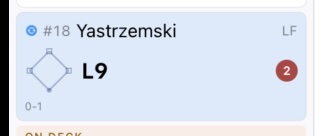
Reconciled at-bats get a blue sync icon instead of the blue arrow. This tells you: “This play was scored manually, then checked and confirmed (or corrected) against the official record.”
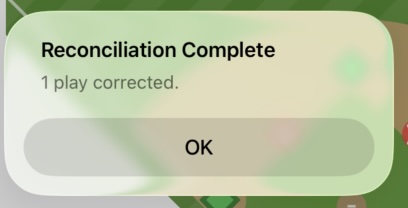
Reconciliation only flags meaningful differences. If you recorded a 6-3 groundout and MLB shows the same thing, no flag. If you recorded a single but MLB shows an error, the play is corrected. Pitch-only differences — like whether a strikeout was swinging or called — are ignored.
When to Use What#
- Fell a few plays behind? Tap Next Play repeatedly to catch up at your own pace.
- Fell way behind? Tap All to jump to the current state instantly.
- Scored some plays wrong? Tap Reconcile to compare and fix differences against the MLB feed.
- Skipped ahead past some plays? Tap Fill Gaps to backfill all the ? plays you skipped.
- Just one play missing? Tap the ? card in the inning summary, then Fill from MLB or Score This Play.
A Practical Workflow#
If you’re scoring a game from the start:
- Start the game in BaseballScorer as you normally would.
- Score each play manually as it happens.
- If you fall behind, tap Next Play to fill in one play, or All to fill in everything.
- Review auto-filled plays and add pitch sequences if you want them.
- Tap Reconcile periodically to confirm your scoring matches the official record.
If you want to score a completed game:
- Start the game in BaseballScorer.
- Tap All to auto-fill the entire game from the feed.
- You’ll have a complete scorecard in seconds, with every at-bat marked with the blue arrow indicator.
- Go back and add detail wherever you want.
What the Feed Doesn’t Cover#
A few things are outside what the live feed provides:
- Pitch sequences — Ball/strike sequences for most games aren’t available in the feed. You’ll score those manually as you watch.
- Pitch types and velocities — Not in the public feed.
- Pickoff attempts and mound visits — These won’t appear in auto-filled plays.
The live feed is excellent for outcomes, fielding, and baserunner events. For the pitch-by-pitch story of each at-bat, that’s still your job as the scorer.
Scoring along with MLB games is one of the most rewarding uses of a scorecard. BaseballScorer’s live feed integration means you don’t have to choose between paying attention to the game and keeping an accurate record — if you fall behind, you can catch up, and the app will tell you where your scoring and the official record agree.